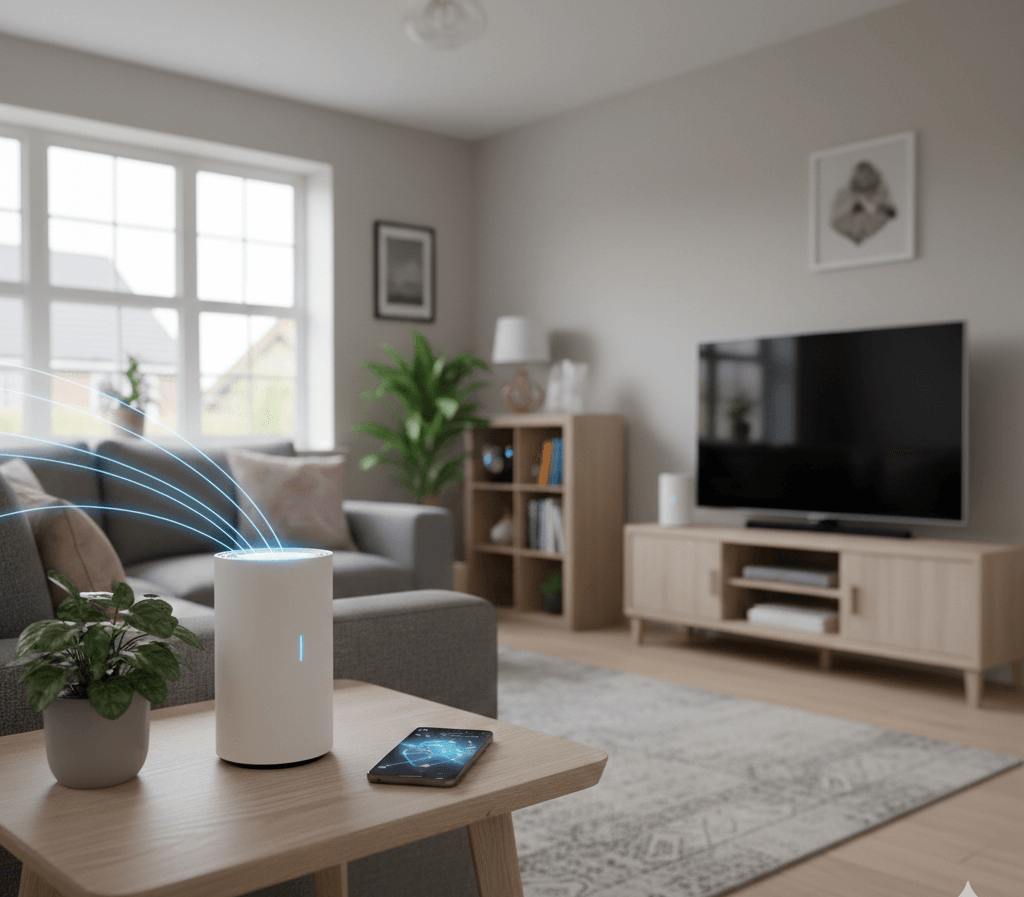
With more households in the UK relying on smart devices, streaming services, and remote working, a strong and stable internet connection has become essential. Unfortunately, many homes still suffer from weak signals, slow speeds, and frustrating Wi-Fi dead zones.
If your smart doorbell disconnects, your video calls freeze, or your kitchen gadgets struggle to stay online, your home network may be the problem. This is where mesh Wi-Fi systems come in.
In this guide, we explain how mesh Wi-Fi works, how it handles multiple devices, improves coverage range, and maintains signal stability—helping you create a reliable smart home network.
What Is a Mesh Wi-Fi System?
A mesh Wi-Fi system is a modern alternative to traditional routers. Instead of relying on a single device to cover your entire home, a mesh system uses several connected units, called nodes, placed around the property.
These nodes work together to form one seamless wireless network.
How Mesh Networks Work in UK Homes
Each node communicates with the others, ensuring that your devices always connect to the strongest signal. As you move around your home, your phone, tablet, or smart appliance automatically switches to the nearest node without interruption.
This makes mesh systems ideal for:
- Multi-storey houses
- Homes with thick brick walls
- Large properties
- Garden offices and extensions
Why Smart Homes Struggle with Wi-Fi Dead Zones
Many UK homes were not designed for modern wireless networks. As a result, standard routers often fail to provide consistent coverage.
Common causes of dead zones include:
- Solid brick and concrete walls
- Long hallways and loft conversions
- Distance from the main router
- Interference from neighbouring networks
- Metal appliances and microwaves
Common Dead Zone Areas
Most households experience weak signals in:
- Upstairs bedrooms
- Kitchens
- Lofts
- Garages
- Garden workspaces
These areas are exactly where smart devices are often installed.
How Mesh Wi-Fi Handles Multiple Devices Efficiently
Modern homes are filled with connected devices, including:
- Smartphones and tablets
- Smart TVs
- Security cameras
- Smart speakers
- Kitchen appliances
- Thermostats and lighting
A standard router can become overloaded when too many devices connect at once.
Mesh systems solve this problem through intelligent traffic management.
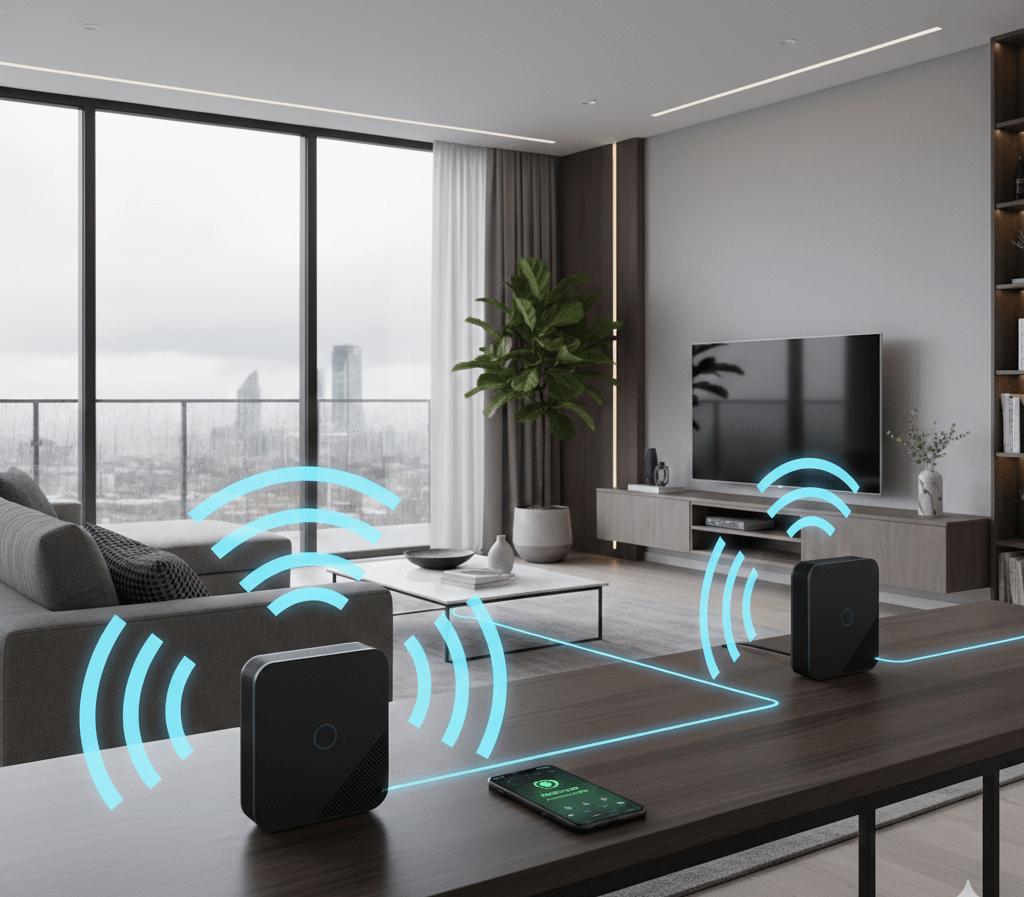
Managing 20+ Devices Without Slowdowns
Mesh Wi-Fi systems use advanced technologies such as:
- MU-MIMO (serving multiple devices simultaneously)
- Band steering (automatically choosing the best frequency)
- Load balancing (sharing traffic across nodes)
This ensures smooth performance even when several people are streaming, gaming, and working at the same time. Learn more at TechToTable’s Smart Home Guides.
Understanding Coverage Range in Mesh Wi-Fi Systems
One of the biggest advantages of mesh Wi-Fi is its superior coverage.
Most systems can cover between 200 and 600 square metres, depending on the number of nodes.
Typical Coverage by Home Size
| Home Type | Recommended Nodes | Approximate Coverage |
|---|---|---|
| Flat / Apartment | 1–2 | Up to 200 m² |
| Terraced House | 2–3 | 250–350 m² |
| Semi-Detached | 3 | 350–450 m² |
| Detached House | 3–4 | 450–600 m² |
Choosing the Right System
When selecting a mesh system, consider:
- Total floor space
- Number of floors
- Wall thickness
- Outdoor coverage needs
Correct placement is just as important as the number of nodes.
Improving Signal Stability in Smart Homes
Signal stability is essential for smart homes. An unstable network causes buffering, dropped connections, and delayed responses from devices.
Factors That Affect Wi-Fi Stability
Several elements can weaken your signal:
- Microwave ovens
- Baby monitors
- Bluetooth devices
- Nearby Wi-Fi networks
- Thick walls and metal structures
Practical Tips for Stronger Signals
To improve stability:
- Place nodes in open areas
- Avoid cupboards and corners
- Keep devices away from appliances
- Update firmware regularly
- Use automatic channel selection
These small adjustments can greatly improve performance.
Mesh Wi-Fi vs Traditional Routers: Key Differences
Understanding the difference between mesh systems and standard routers helps you make the right choice.
Comparison Table
| Feature | Traditional Router | Mesh Wi-Fi System |
|---|---|---|
| Coverage | Limited | Whole-home coverage |
| Dead Zones | Common | Rare |
| Stability | Inconsistent | Very stable |
| Scalability | Difficult | Easy |
| Device Handling | Limited | Excellent |
| Setup | Manual | App-based |
| Cost | Lower | Higher upfront |
Mesh systems cost more initially, but deliver better long-term value for smart homes.
Is Mesh Wi-Fi Worth It for UK Smart Homes?
For many households, the answer is yes.
Advantages
- Reliable coverage in every room
- Stable connections for smart devices
- Better speeds across the home
- Easy management via mobile apps
- Future-proof design
Disadvantages
- Higher initial cost
- Requires careful placement
- Some advanced features need subscriptions
Best Use Cases
Mesh Wi-Fi is ideal for:
- Remote workers
- Families with multiple users
- Homes with security systems
- Smart kitchens and appliances
- Streaming-heavy households
How to Set Up a Mesh Wi-Fi System (Step-by-Step)
Setting up a mesh network is usually simple.
Basic Setup Process
- Connect the main node to your modem
- Download the manufacturer’s app
- Follow on-screen instructions
- Add additional nodes
- Test signal strength
- Update firmware
Most systems can be installed in under 30 minutes.
Common Setup Mistakes
Avoid:
- Placing nodes too far apart
- Hiding them behind furniture
- Skipping software updates
- Ignoring signal tests
Buying Guide: What to Look for in a Mesh Wi-Fi System
Before purchasing, consider these factors.
Key Features
- Wi-Fi 6 or Wi-Fi 6E support
- Strong security encryption
- Parental controls
- Guest networks
- Mobile app quality
- Automatic updates
Budget vs Premium Options
| Category | Price Range | Suitable For |
|---|---|---|
| Budget | £100–£200 | Small homes |
| Mid-Range | £200–£350 | Average families |
| Premium | £350+ | Large smart homes |
Investing in a reliable system reduces future upgrade costs.
Frequently Asked Questions (FAQs)
Does mesh Wi-Fi reduce internet speed?
No. It usually improves speed by eliminating weak signal areas.
How many nodes do I need?
Most UK homes need two to three nodes.
Can mesh systems work with fibre broadband?
Yes. They are fully compatible with fibre and full-fibre connections.
Is mesh Wi-Fi safe for smart devices?
Yes. Modern systems include strong security protocols and encryption.
Final Verdict: Creating a Stable Smart Home Network
Mesh Wi-Fi systems are one of the best upgrades you can make for a modern UK home. They eliminate dead zones, support multiple devices, and provide the signal stability needed for smart kitchens, security systems, and home offices.
If you rely on connected devices every day, a mesh network is no longer a luxury—it is a practical necessity. With the right system and proper setup, you can enjoy fast, reliable internet in every corner of your home. Learn more at TechToTable’s Smart Home Guides.
Reviewed by TechToTable Editorial Team — Tested for real home use.