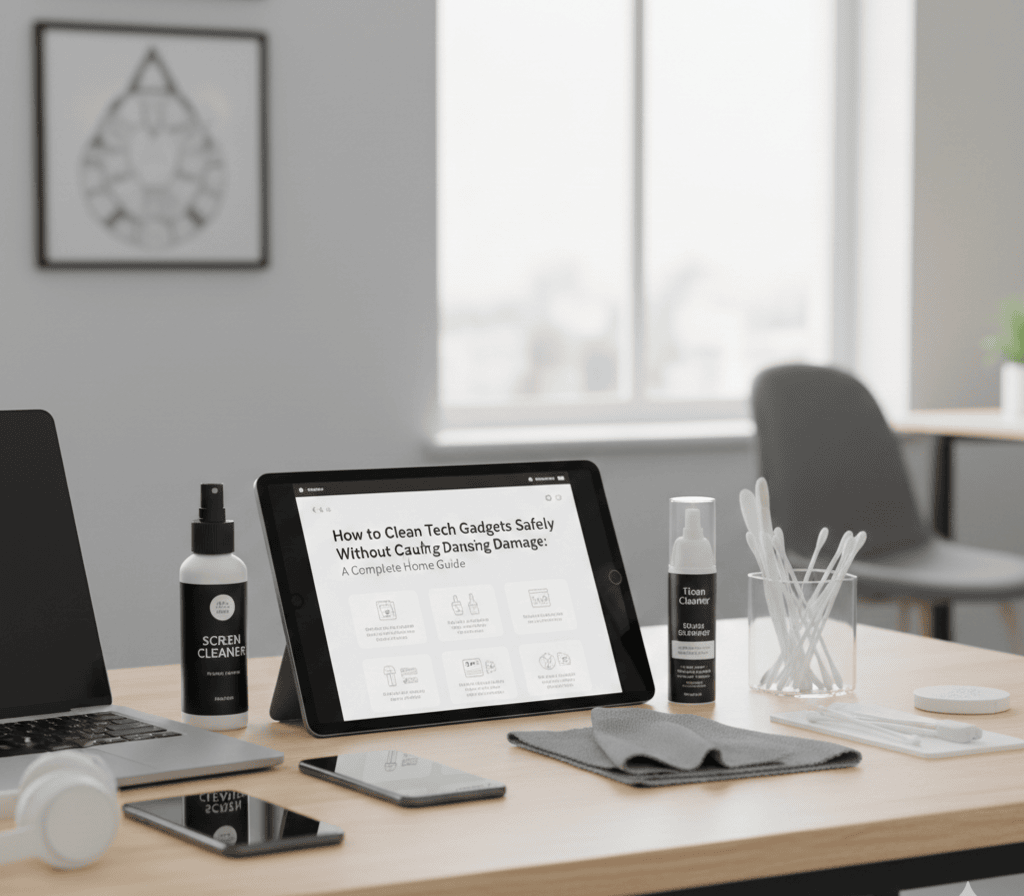
In today’s modern homes, technology is everywhere. From smartphones and tablets to laptops, smart speakers, and kitchen devices, we rely on gadgets daily. However, many people unknowingly damage their devices while trying to clean them. Using the wrong cloth, applying too much water, or ignoring delicate sensors can reduce performance and shorten a gadget’s lifespan.
Cleaning your devices properly is not only about appearance—it is about protecting your investment. This complete guide explains how to clean tech gadgets safely, with special focus on microfibre care, sensor protection, and avoiding water damage, so your devices remain functional and reliable for years. Learn more at TechToTable’s Smart Home Guides
Why Proper Cleaning Matters for Tech Gadgets
Regular cleaning helps remove dust, fingerprints, grease, and bacteria. However, improper cleaning can lead to:
- Scratched screens
- Blocked microphones and speakers
- Corroded internal parts
- Faulty sensors
- Reduced device lifespan
Modern gadgets contain sensitive electronic components that require careful handling. Learning the correct cleaning techniques prevents accidental damage and ensures your devices perform at their best.
Essential Tools for Safe Gadget Cleaning
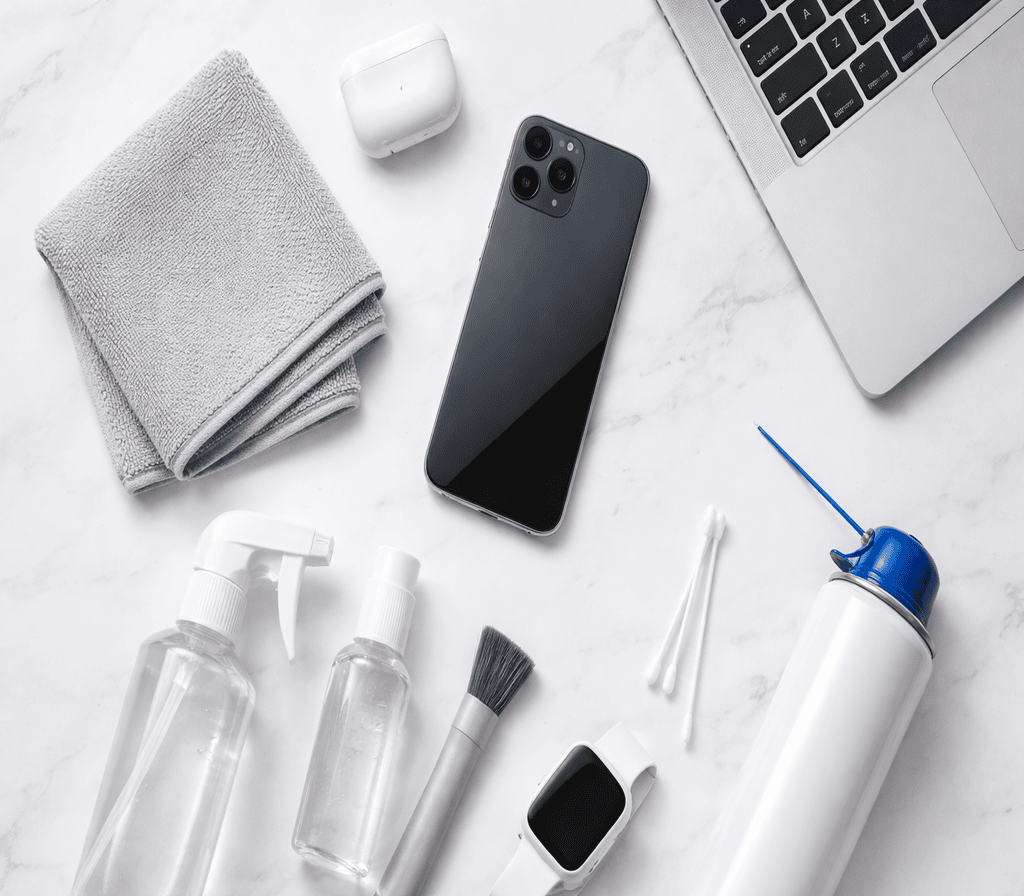
Before cleaning any device, gather the right tools. Avoid household cloths and harsh chemicals.
Recommended Cleaning Supplies
- Microfibre cloth (high quality, lint-free)
- Distilled water
- Isopropyl alcohol (70% or less)
- Soft-bristled brush
- Cotton buds
- Compressed air (optional)
- Screen-safe cleaning solution
Using professional-grade tools ensures gentle and effective cleaning without harming surfaces.
Understanding Microfibre Cloths and Their Proper Care
Microfibre cloths are the safest and most effective tools for cleaning electronic devices. However, they must be used and maintained correctly.
Why Microfibre Cloths Are Important
Microfibre cloths are made of ultra-fine fibres that:
- Trap dust without scratching
- Absorb oils and fingerprints
- Clean without chemicals
- Leave no residue
Unlike paper towels or tissues, microfibre cloths do not leave fibres behind and will not damage screen coatings.
How to Use a Microfibre Cloth Correctly
- Always use a clean, dry cloth
- Apply gentle pressure only
- Wipe in small circular motions
- Avoid rubbing aggressively
- Never use a dirty cloth
Dirty microfibre cloths can trap grit and scratch screens.
How to Wash and Maintain Microfibre Cloths
Proper care extends the life of your cloth and maintains cleaning effectiveness.
Washing Tips
- Wash separately from cotton fabrics
- Use mild detergent only
- Avoid fabric softener
- Use cold or warm water
- Air-dry if possible
Fabric softeners block microfibre pores and reduce performance.
Storage Tips
- Store in a sealed container
- Keep away from dust
- Assign separate cloths for screens and keyboards
Maintained properly, one microfibre cloth can last several months.
Protecting Sensors and Sensitive Components
Modern gadgets rely heavily on sensors. These include:
- Proximity sensors
- Light sensors
- Face recognition cameras
- Fingerprint scanners
- Microphones
- Motion sensors
Damaging these parts affects functionality and security.
Common Areas Where Sensors Are Located
| Device | Sensor Locations |
|---|---|
| Smartphones | Top bezel, rear camera area |
| Laptops | Webcam, microphone |
| Smart Speakers | Top surface |
| Tablets | Front camera area |
| Smartwatches | Back surface |
Understanding where sensors are located helps prevent accidental damage.
How to Clean Around Sensors Safely
- Turn off the device
- Use a dry microfibre cloth
- Gently wipe around sensors
- Use a dry cotton bud for corners
- Avoid liquids near sensor areas
Never press firmly on sensor areas.
Special Care for Cameras and Biometric Sensors
Camera Lenses
- Use lens-safe cloths
- Avoid alcohol on coated lenses
- Remove dust before wiping
Fingerprint Sensors
- Clean gently
- Avoid chemicals
- Keep surface dry
Dirty sensors may cause recognition failures.
Avoiding Water Damage: The Most Important Rule
Water damage is one of the leading causes of gadget failure. Even “water-resistant” devices are not fully waterproof.
Why Water Is Dangerous for Electronics
Water can:
- Short-circuit components
- Cause corrosion
- Damage screens
- Destroy batteries
- Affect internal wiring
Once water enters a device, repairs become expensive or impossible.
Golden Rule: Never Spray Liquid Directly
Always apply liquid to the cloth — never to the device.
- Do NOT spray screens
- Do NOT pour water
- Do NOT use wet wipes
- Do NOT clean under running taps
Safe Method for Light Damp Cleaning
If deeper cleaning is required:
- Mix distilled water with 70% alcohol (1:1)
- Lightly dampen cloth
- Wipe gently
- Dry immediately
The cloth should be barely damp — never wet.
How to Protect Ports and Openings
Gadgets contain exposed openings such as:
- Charging ports
- Headphone jacks
- Speaker grills
- Ventilation holes
Use these methods:
- Clean with dry brush
- Use compressed air
- Avoid liquids entirely
- Never insert sharp objects
Step-by-Step Cleaning Guide for Common Devices
Cleaning Smartphones and Tablets
- Switch off device
- Remove case
- Wipe screen with dry microfibre cloth
- Clean edges with cotton bud
- Lightly dampen cloth if needed
- Dry immediately
Clean cases separately.
Cleaning Laptops and Keyboards
Screen
- Use dry microfibre cloth
- Avoid pressure
Keyboard
- Turn laptop upside down
- Gently shake
- Use compressed air
- Clean keys with cotton bud
Touchpad
- Wipe gently
- Keep dry
Cleaning Smart Speakers and Home Devices
- Use soft brush for grills
- Dry cloth for surfaces
- Avoid liquids
- Never open casing
Cleaning Smartwatches and Fitness Trackers
- Remove from charger
- Wipe with damp cloth (lightly)
- Dry thoroughly
- Avoid soap
Common Cleaning Mistakes to Avoid
Many people damage devices unknowingly.
- Using a window cleaner
- Applying bleach
- Using tissues
- Scrubbing hard
- Ignoring dust build-up
- Cleaning while powered on
These mistakes reduce device lifespan.
How Often Should You Clean Tech Gadgets?
| Device | Recommended Frequency |
|---|---|
| Phone | Weekly |
| Laptop | Monthly |
| Keyboard | Bi-weekly |
| Tablet | Weekly |
| Smartwatch | After heavy use |
| Smart Speaker | Monthly |
Regular light cleaning is better than occasional deep cleaning.
Extra Tips for Long-Term Protection
Use Protective Accessories
- Screen protectors
- Keyboard covers
- Device cases
- Port covers
These reduce cleaning needs.
Wash Hands Before Use
Reduces grease and bacteria build-up.
Keep Food and Drinks Away
Spills cause permanent damage.
Store Devices Properly
Avoid dusty or humid areas.
Frequently Asked Questions
Can I use household wipes on gadgets?
No. Most wipes contain alcohol and chemicals that damage coatings.
Is rubbing alcohol safe?
Only diluted (70% or less) and used lightly.
Can water-resistant phones be washed?
No. Water resistance degrades over time.
Why does my screen look cloudy after cleaning?
Residue from chemicals or dirty cloth.
Final Thoughts
Cleaning your tech gadgets safely is not complicated, but it requires the right knowledge and tools. By using high-quality microfibre cloths, protecting sensitive sensors, and avoiding water exposure, you can keep your devices looking new and working properly.
A few careful minutes each week can save you from costly repairs and replacements. Treat your gadgets gently, clean them correctly, and they will serve you reliably for many years. Learn more at TechToTable’s Smart Home Guides.