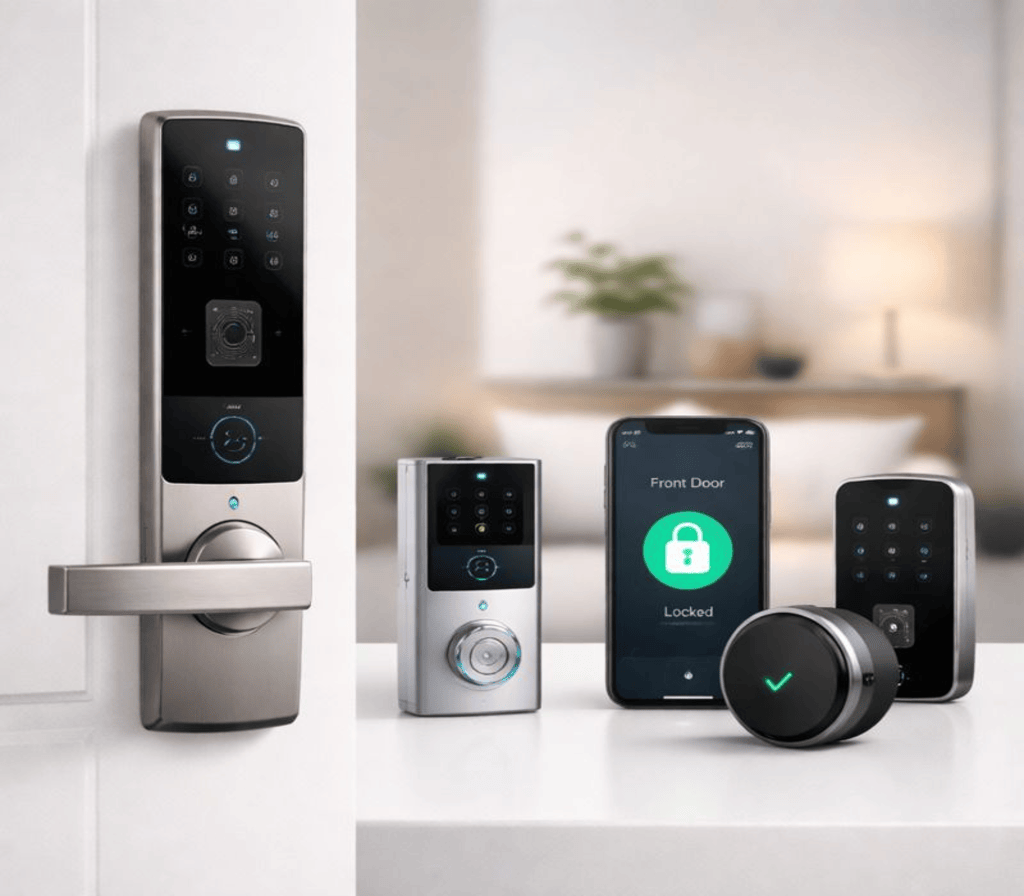
Home security has evolved rapidly in recent years, and smart locks are now at the centre of modern home protection. In 2026, homeowners are choosing keyless, app-controlled, and AI-powered locks to improve safety and convenience. These devices not only eliminate traditional keys but also allow you to manage access remotely and monitor activity in real time.
Whether you live in a flat, house, or rental property, smart locks offer a practical solution for securing your home. In this guide, we explore the best smart locks for home security, how they work, and how to choose the right model for your needs.
Why Smart Locks Matter in 2026
Traditional locks rely on physical keys that can be lost, copied, or stolen. Smart locks solve this problem by offering digital access methods such as mobile apps, fingerprints, PIN codes, and voice commands.
In 2026, smart locks are more advanced than ever. Many models now integrate with home automation systems, security cameras, and virtual assistants. This allows homeowners to manage their entire security system from one dashboard.
Smart locks also improve daily convenience. You can unlock your door remotely for guests, deliveries, or family members without being physically present. This makes them ideal for busy households and short-term rentals.
How Smart Locks Work
Smart locks replace or enhance your existing door lock. They connect to your smartphone via Wi-Fi, Bluetooth, or a smart home hub.
Most smart locks work through:
- Mobile applications
- PIN keypads
- Fingerprint sensors
- NFC cards
- Voice assistants
When someone tries to access your home, the lock verifies their credentials before opening. All activity is recorded, allowing you to track who enters and leaves.
Many models also include automatic locking features, ensuring your door is secured even if you forget.
Top Smart Lock Features to Look For
When choosing a smart lock, it is important to understand the key features that impact security and usability.
1. Multiple Unlocking Methods
The best smart locks offer more than one access option. This ensures you are never locked out if one method fails.
2. Remote Access
Wi-Fi-enabled locks allow you to lock and unlock doors from anywhere using your phone.
3. Activity Logs
This feature records entry times and user identities, helping you monitor security.
4. Auto-Lock Function
Automatically locks your door after a set time, reducing human error.
5. Integration with Smart Home Systems
Compatibility with Alexa, Google Assistant, and Apple HomeKit improves usability.
6. Emergency Backup
Battery backup or physical key access is essential in case of power failure.
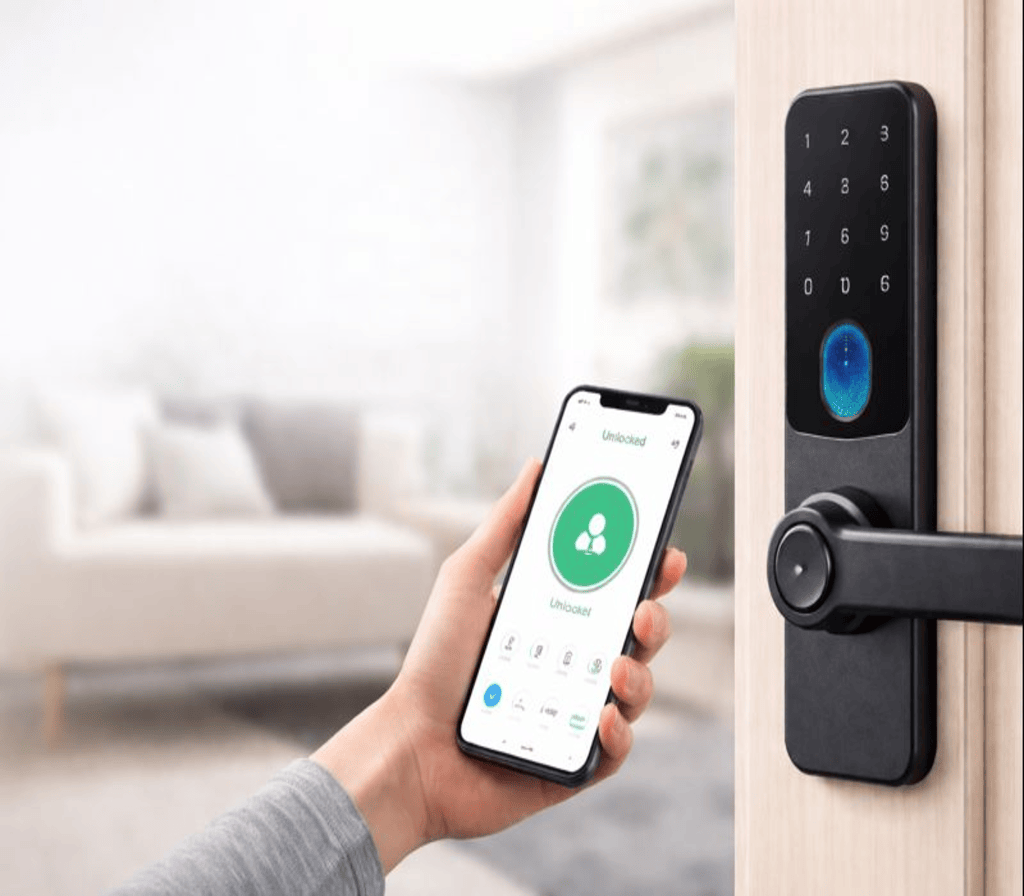
Best Types of Smart Locks in 2026
Different smart locks suit different lifestyles. Here are the most popular types available today.
Keypad Smart Locks
These locks use PIN codes and are ideal for families and rental properties. You can assign temporary codes to visitors.
Fingerprint Smart Locks
Biometric locks provide high security and fast access. They are perfect for users who prefer keyless entry.
App-Controlled Smart Locks
These locks work primarily through mobile applications and offer advanced remote features.
Hybrid Smart Locks
Hybrid models combine keypad, fingerprint, and app access in one device for maximum flexibility.
Comparison Table: Smart Lock Types
| Feature | Keypad Lock | Fingerprint Lock | App-Controlled Lock | Hybrid Lock |
|---|---|---|---|---|
| Ease of Use | High | Very High | High | Very High |
| Security Level | Medium | High | High | Very High |
| Remote Access | Limited | Limited | Yes | Yes |
| Price Range | Low–Medium | Medium | Medium–High | High |
| Best For | Families | Personal Use | Remote Access | Premium Homes |
Benefits of Using Smart Locks
Installing a smart lock offers several long-term advantages.
Enhanced Security
Smart locks reduce the risk of break-ins caused by lost keys and unauthorised duplication.
Convenience
No more searching for keys. Unlock doors using your phone or fingerprint.
Access Control
You can manage who enters your home and revoke access instantly.
Improved Monitoring
Real-time alerts notify you of suspicious activity.
Increased Property Value
Smart home upgrades make properties more attractive to buyers and tenants.
Are Smart Locks Worth the Investment?
Many homeowners wonder whether smart locks are worth the cost. The answer depends on your lifestyle and security needs.
For families, frequent travellers, and remote workers, smart locks offer significant benefits. They save time, reduce stress, and improve safety.
Although initial costs may be higher than traditional locks, the long-term value outweighs the investment. Improved security, lower risk of break-ins, and better access control make smart locks a smart financial decision. Learn more at TechToTable’s Smart Home Guides
Buying Guide: How to Choose the Right Smart Lock
Before purchasing a smart lock, consider the following factors.
1. Door Compatibility
Check whether the lock fits your door thickness and existing hardware.
2. Connectivity
Choose between Bluetooth-only or Wi-Fi-enabled models based on your needs.
3. Battery Life
Look for locks with low-power consumption and battery alerts.
4. Security Standards
Ensure the lock uses encryption and certified security protocols.
5. Brand Reputation
Choose reliable brands with good customer support.
6. Budget
Set a realistic budget and balance features with affordability.
Installation and Maintenance Tips
Most smart locks are easy to install and require basic tools. Many manufacturers provide step-by-step guides and videos.
For maintenance:
- Replace batteries on time
- Update firmware regularly
- Clean fingerprint sensors
- Check connectivity
Proper maintenance ensures consistent performance and security. Learn more at TechToTable’s Smart Home Guides
Common Mistakes to Avoid
Avoid these mistakes when using smart locks:
- Ignoring firmware updates
- Using weak PIN codes
- Sharing access carelessly
- Disabling security notifications
- Choosing incompatible models
Staying alert prevents most security risks.
Frequently Asked Questions
Q1. Are smart locks safe from hacking?
Yes. Most modern smart locks use encrypted connections and advanced security protocols.
Q2. Can smart locks work without internet?
Yes. Bluetooth models work offline, but remote features require internet access.
Q3. What happens if batteries die?
Most locks provide low-battery alerts and emergency backup options.
Q4. Can smart locks be installed on rental properties?
Yes, many models are non-invasive and landlord-friendly.
Q5. Do smart locks work with security cameras?
Yes. Many integrate seamlessly with home security systems.
Final Thoughts
Smart locks are no longer a luxury — they are becoming a standard feature of modern homes. In 2026, they offer advanced security, easy access control, and seamless integration with smart home systems.
By choosing the right smart lock, you can protect your home, simplify daily routines, and enjoy peace of mind. Whether you prefer fingerprint access, mobile control, or hybrid systems, there is a smart lock that fits your lifestyle and budget.. Learn more at TechToTable’s Smart Home Guides.